
JP Labs / Research catalogue
Research materials.
Clearly presented.
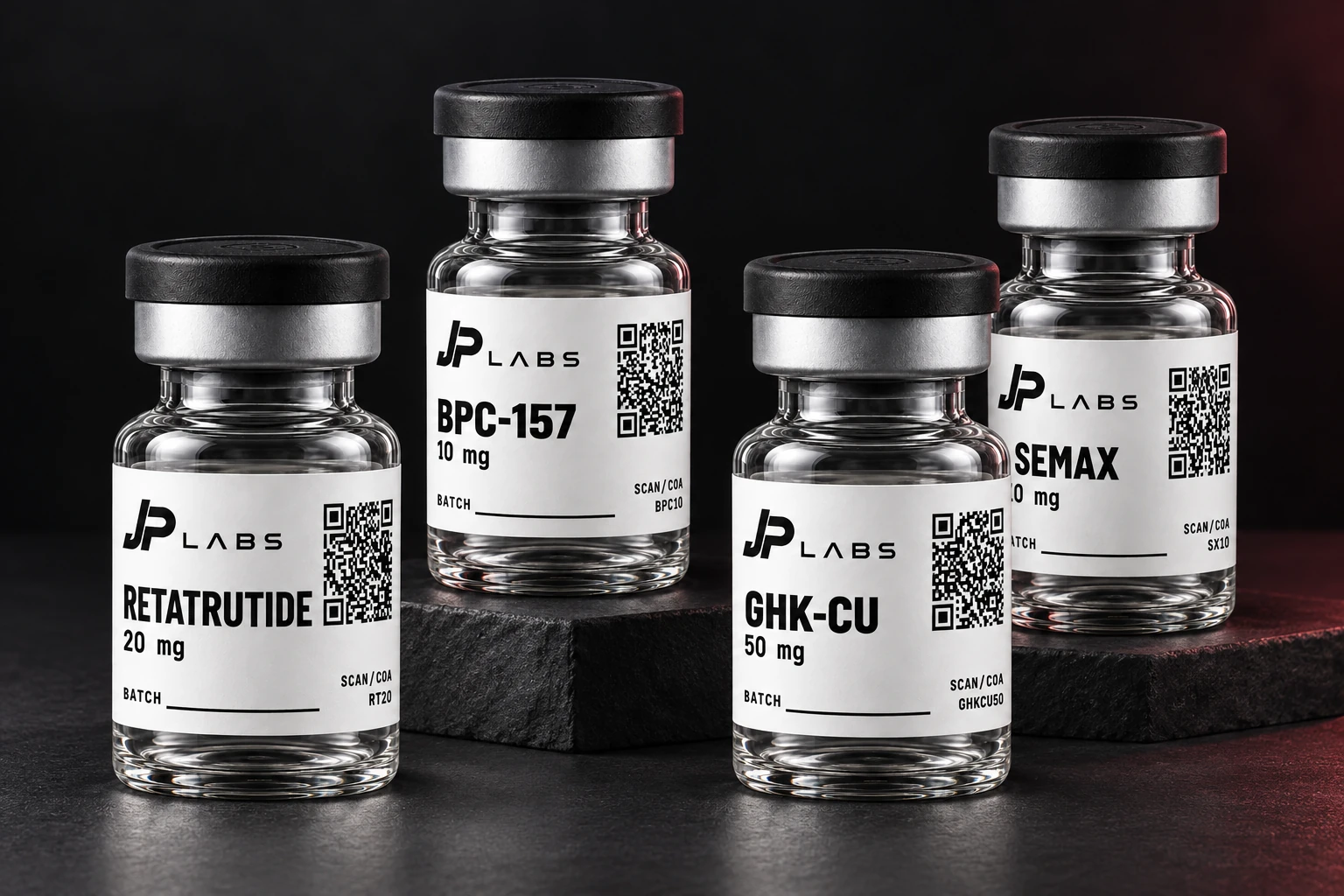
Choose your research materials, view the linked lab reports and build a selection with single vials or mixed packs.
Getting started
A clear path to your selection.
- Choose product & size.
Browse the catalogue and select the mg or ml you need.
- Check its COA.
Open the linked lab report for that size, where available.
- Build and share your list.
Add vials or mixed packs, then copy or save your selection for a Telegram contact.
Mix different products and sizes in Pack 5 or Pack 10. How packs work →
COA = Certificate of Analysis. Open the lab report beside your selected size. How to read a report →
Keep your selection together
A clear list for your enquiry.
Copy or save your selection, then send it to a brand contact on Telegram.